Why Is GB WhatsApp Taking Up So Much Storage?
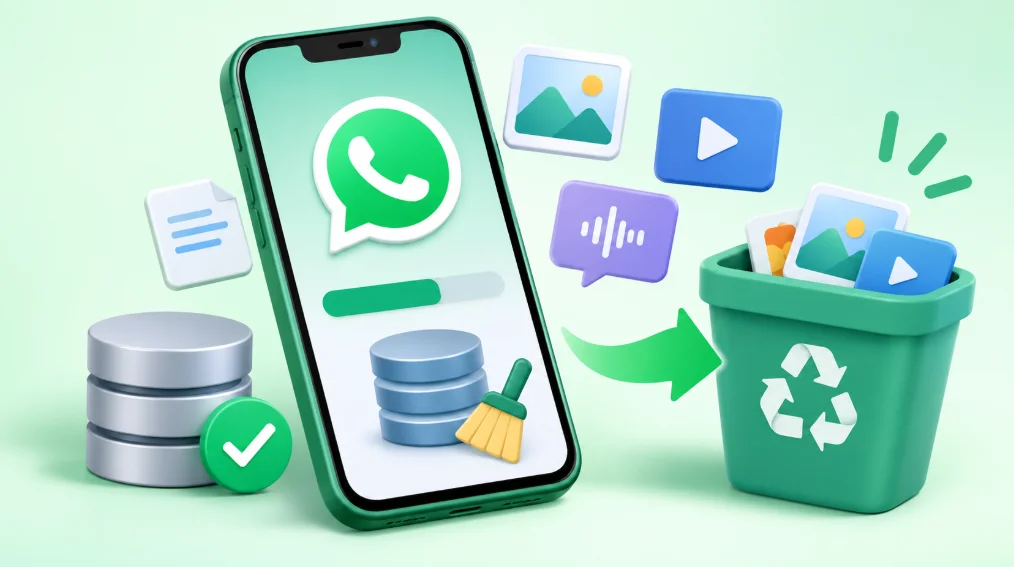
GB WhatsApp storage can increase quickly when you receive and download photos, videos, voice messages and documents. Group chats with frequent media sharing can make the problem worse, even if you rarely save files manually.
If your phone is running low on space, checking GB WhatsApp’s storage usage and removing unnecessary files can help. The important thing is to clean up media carefully without accidentally deleting conversations or backup files.
Why Does GB WhatsApp Use So Much Storage?
GB WhatsApp stores more than just chat messages. Several types of files can contribute to its total storage usage.
- Photos and videos: Frequently shared images and videos can take up a large amount of space.
- Voice messages: Audio recordings and voice notes accumulate across conversations.
- Documents: PDFs, ZIP files and other attachments remain on your device after downloading.
- Group chat media: Active groups can generate large amounts of downloaded content.
- Temporary files and cache: The app may store temporary data to support normal operation.
- Chat databases: Local conversation data and related files also require storage.
Videos are often among the largest files, so reviewing old media is a useful starting point.
How Can I Check GB WhatsApp Storage Usage?
You can check how much space GB WhatsApp occupies through Android settings.
- Open Settings on your Android phone.
- Select Apps or App Management.
- Find and open GB WhatsApp.
- Tap Storage or Storage Usage.
- Review the space used by the app, user data and cache.
The menu names may differ depending on your Android version and phone manufacturer.
Some GB WhatsApp builds may also include storage management options inside the app. If available, check whether they show media usage by conversation or file type.
How Can I Free Up GB WhatsApp Storage?
Removing unnecessary media is usually a practical way to recover space.
Delete Unwanted Photos and Videos
Review older conversations and look for large videos, duplicate images and files you no longer need.
Before deleting anything, save important photos and documents to another location. Remember that removing a media file may make it unavailable from the conversation.
Remove Old Documents and Audio Files
Downloaded documents and voice messages can also accumulate over time.
Check files you have already used or no longer need. Keep important work documents, recordings and personal files before cleaning up.
Review Large Group Chats
Group conversations can receive dozens of photos and videos every day.
Check which groups generate the most media and remove unnecessary downloads. You can also consider leaving inactive groups that continuously share files.
Why Does GB WhatsApp Keep Downloading Media?
Automatic media downloads may cause storage usage to increase even when you do not open every conversation.
Check the media download settings available in your installed version. Depending on the build, you may be able to manage automatic downloads for photos, videos, audio and documents.
Consider these adjustments:
- Disable automatic video downloads when they are not needed.
- Avoid automatically downloading every file in busy group chats.
- Download documents manually when necessary.
- Review downloaded media regularly.
These settings can help prevent unnecessary files from accumulating.
Can I Clear GB WhatsApp Cache Without Losing Chats?
Android provides a separate option for clearing an app’s cache on many devices.
To check:
- Open Android Settings.
- Go to Apps and select GB WhatsApp.
- Open Storage.
- Check whether Clear Cache is available.
Clearing cache is different from clearing app data. Cache generally contains temporary files, while app data may include important local information.
Do not select Clear Data or Clear Storage as a routine cleanup method. These actions can remove local app information and may affect access to your conversations.
If you plan to reinstall the app or make major changes, create and verify a backup first. Check the GB WhatsApp chat backup guide before proceeding.
Where Are GB WhatsApp Photos and Videos Stored?
GB WhatsApp media files may be stored in different locations depending on the app build, Android version and installation history.
You can check your phone’s file manager and look for folders associated with GB WhatsApp. Depending on the installation, media may appear under internal storage or an Android media directory.
Before moving or deleting files, check their contents carefully. Some folders may contain backups, databases or configuration files. Do not remove unfamiliar files simply because they occupy space.
How Can I Stop GB WhatsApp Storage from Filling Up Again?
A few regular habits can help keep storage under control:
- Review large videos and photos every few weeks.
- Limit automatic downloads for unnecessary media.
- Remove documents you no longer need.
- Back up important files before cleaning folders.
- Check Android storage usage regularly.
- Keep enough free space for app updates and new downloads.
If you are preparing to install a newer APK, check the available space before starting. The GB WhatsApp update guide covers important precautions before updating.
Frequently Asked Questions
Does deleting GB WhatsApp media delete chat messages?
Deleting a downloaded media file does not necessarily delete the entire conversation. However, the media itself may no longer be available from that chat. Save important files before removing them.
Can I delete the entire GB WhatsApp folder?
It is not recommended. The folder may contain photos, videos, documents, databases or backup files. Deleting everything could result in lost media or other app problems.
Does clearing cache remove GB WhatsApp messages?
Clearing cache is intended to remove temporary files and is different from clearing app data. Avoid using Clear Data or Clear Storage unless you understand the consequences and have a verified backup.
Why does GB WhatsApp still use storage after deleting media?
Other downloaded files, chat databases and temporary data may still occupy space. Android’s storage display may also take some time to refresh after files are removed.
Does GB WhatsApp store photos automatically?
Media may be downloaded automatically when the corresponding settings allow it. The available options depend on your installed build and configuration.
How much storage does GB WhatsApp need?
There is no fixed storage requirement for everyday use. The amount depends on your conversations, downloaded media, backup files and the APK version you install.