How to Hide Blue Ticks in GB WhatsApp
Blue ticks in GB WhatsApp indicate that a message has been read. If you want to read messages without immediately showing the sender that you have seen them, you can check the read receipt settings in your app.
What Do Blue Ticks Mean in GB WhatsApp?
GB WhatsApp uses tick marks to show message status. Their appearance generally means:
- One gray tick: The message has been sent.
- Two gray ticks: The message has been delivered.
- Two blue ticks: The message has been read.
The exact indicators may vary depending on the app version and conversation settings.
How to Turn Off Blue Ticks in GB WhatsApp
Follow these steps to check whether your version supports hiding blue ticks.
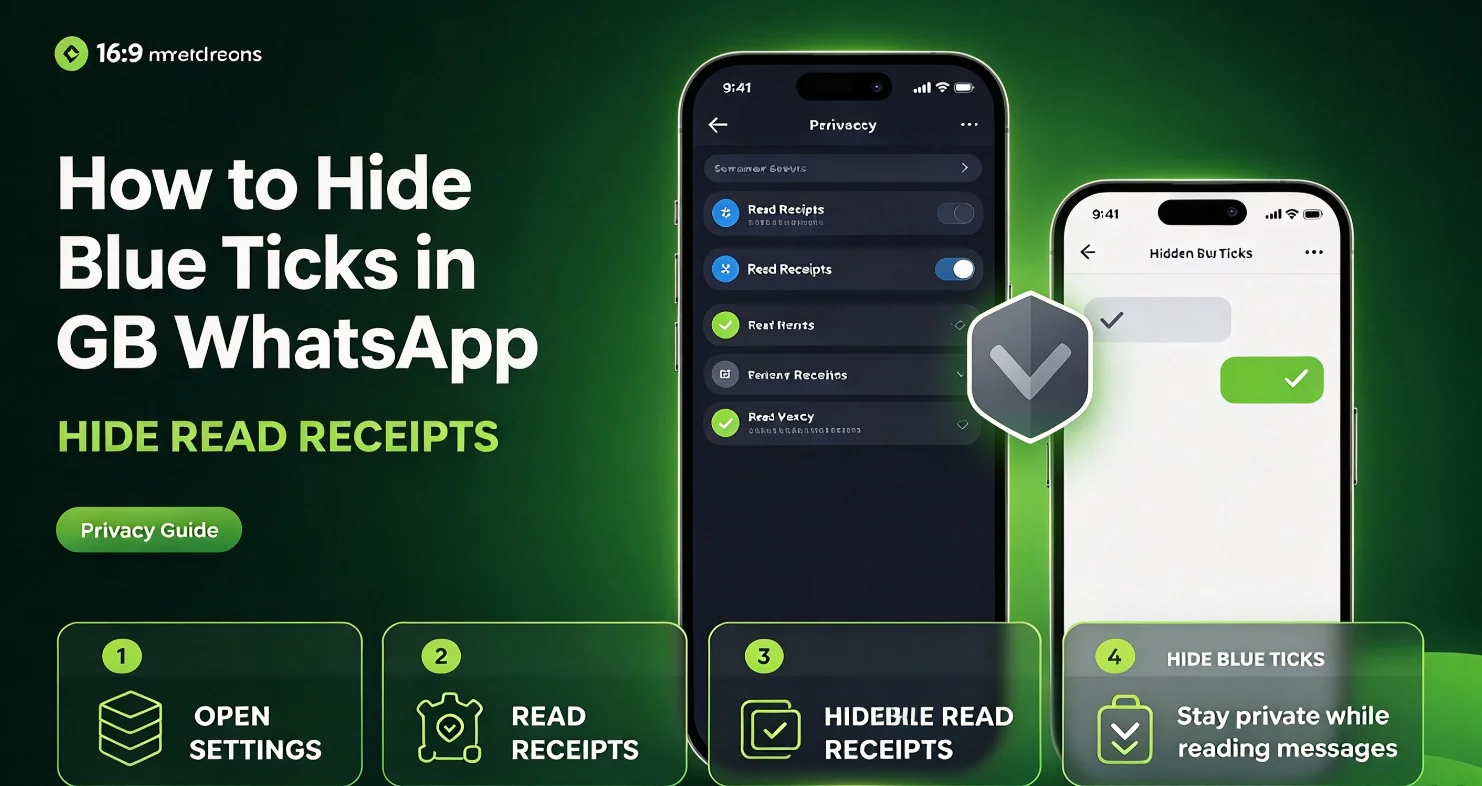
- Open GB WhatsApp on your Android phone.
- Tap the three-dot menu in the upper-right corner.
- Open GB Settings or the available privacy settings menu.
- Select Privacy and Security, if available.
- Look for an option related to blue ticks, read receipts, or message ticks.
- Enable the relevant option to hide read indicators, then return to your chats.
Menu names and available controls can differ between GB WhatsApp versions. If you cannot find the setting, check the privacy options available in your installed version rather than assuming the feature is supported.
Can You Hide Blue Ticks for Specific Contacts?
Some GB WhatsApp versions provide additional privacy controls for individual chats or contacts. Others apply read receipt settings more broadly.
Open the relevant privacy settings and check whether a contact-specific option is available. If it is not listed, your version may not support hiding blue ticks for selected contacts only.
Also, hiding read receipts does not necessarily hide every activity indicator. Online status, last seen, typing indicators, and group-message read information may use separate settings.
Why Are Blue Ticks Still Showing?
If blue ticks continue to appear after you change the setting, check these possible causes:
- The wrong option was changed: Confirm that you adjusted the setting for blue ticks or read receipts, not last seen or online status.
- The setting was not applied: Return to the privacy menu and check whether the option remains enabled.
- Your version uses different menus: Look through the available privacy controls because menu labels can vary.
- The feature has limitations: Some read indicators, especially in group conversations, may behave differently from those in individual chats.
Avoid installing unknown APK files to obtain a missing privacy feature. Unofficial WhatsApp modifications may expose your messages or account information to security risks and can lead to account restrictions.
Frequently Asked Questions
Does hiding blue ticks stop people from knowing I read their messages?
It may hide read receipts in supported conversations, but the behavior depends on your app version and settings. It does not guarantee that all forms of reading activity will remain hidden.
Can I still see blue ticks from other people?
That depends on how the privacy feature is implemented. Some read-receipt settings can affect whether you see other people’s read indicators as well.
Will hiding blue ticks hide my online status?
No. Read receipts and online status are separate privacy controls in many versions of WhatsApp and its unofficial modifications.
Do blue ticks disappear from messages I have already read?
Changing a privacy setting does not necessarily remove read indicators that have already been sent or displayed. The result depends on the app’s implementation.
Final Note
Hiding blue ticks in GB WhatsApp may help you manage read receipts, but the available controls vary by version. Check your installed app’s privacy settings carefully, and remember that unofficial WhatsApp modifications are not endorsed by WhatsApp or Meta and may carry account and security risks.