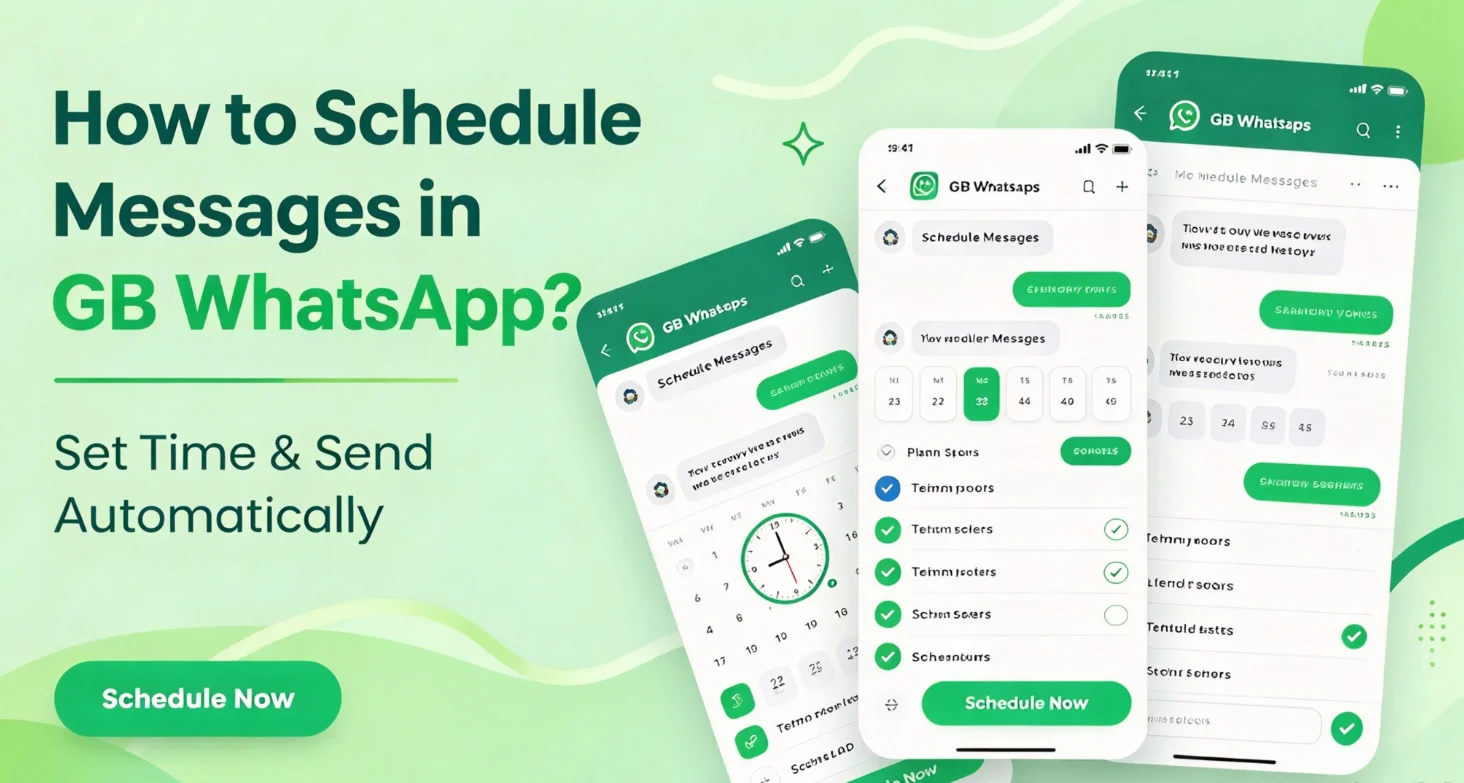
How to Schedule Messages in GB WhatsApp
Message Scheduler is a useful feature in some GB WhatsApp versions that allows users to prepare messages and send them automatically at a selected time. It can help you remember birthdays, plan reminders, or send messages when you are busy.
The feature may not be available in every release, and its interface can vary depending on the version installed on your Android phone.
What Is Message Scheduler in GB WhatsApp?
Message Scheduler allows users to set up a message in advance by selecting a recipient, entering the message text, and choosing a date and time. If supported and functioning correctly, the app can send the scheduled message when the selected time arrives.
Unlike manually sending a message, scheduling lets you prepare it ahead of time instead of needing to remember to open the chat at the right moment.
How to Schedule a Message in GB WhatsApp
Follow these steps if your version includes a message scheduling feature:
- Open GB WhatsApp on your Android phone.
- Open the menu or the additional features section.
- Look for Message Scheduler or Schedule Message.
- Tap the option to create a new scheduled message.
- Select the contact or group you want to message.
- Enter the message you want to send.
- Choose the date and time for delivery.
- Save or confirm the scheduled message.
- Open the scheduler to check that the message appears in your scheduled list.
The exact menu names and steps may differ between versions.
How to View or Edit Scheduled Messages
If your version provides a scheduled-message list, you can use it to review messages that have not yet been sent.
- Open GB WhatsApp.
- Return to the Message Scheduler section.
- Select the scheduled message you want to review.
- Use the available options to edit, reschedule, or delete it.
Some versions may not support editing an existing message. In that case, you may need to delete it and create a new schedule.
Why Is Message Scheduler Not Working?
Scheduled messages may fail to send for several reasons:
- Feature unavailable: Your installed version may not include a scheduler.
- Phone offline: The device may need an active internet connection when the message is due.
- Background restrictions: Battery optimization or background activity restrictions may prevent the app from running on time.
- Incorrect schedule: Check the selected recipient, date, time, and time zone.
- App restrictions: The modified app may not handle scheduled tasks reliably.
Check these settings before relying on the feature for important messages. A scheduled message is not guaranteed to send successfully.
Benefits of Message Scheduler
- Birthday greetings: Prepare messages in advance.
- Reminders: Plan messages for a particular time.
- Better organization: Keep track of messages you intend to send.
- Time management: Prepare routine messages before you need them.
Frequently Asked Questions
Can I schedule messages in GB WhatsApp?
Some versions include a Message Scheduler feature. Availability and functionality depend on the installed release.
Can I schedule messages for WhatsApp groups?
If your version supports group scheduling, you may be able to select a group as the recipient when creating a scheduled message.
Will scheduled messages send if my phone is offline?
Not necessarily. The feature may require an active connection and the app to be running or permitted to work in the background.
Can I cancel a scheduled message?
If the scheduler provides a management list, look for an option to delete or cancel the pending message before its scheduled time.
Is Message Scheduler available in official WhatsApp?
Feature availability can change over time. Check the current official WhatsApp app and its supported features rather than assuming that functions in modified versions are also available in the official app.
Safety note: GB WhatsApp is an unofficial third-party modification that is not affiliated with WhatsApp or Meta. Using modified apps may expose your account and personal information to security risks.