How to Enable DND Mode in GB WhatsApp
DND Mode in GB WhatsApp is a useful feature for users who want to take a break from WhatsApp messages without turning off the internet on their phones. Depending on the version, it may temporarily restrict WhatsApp’s connection while other apps continue to work normally.
What Is DND Mode in GB WhatsApp?
DND stands for Do Not Disturb. In some GB WhatsApp versions, this feature is designed to pause WhatsApp activity temporarily, helping users avoid incoming messages and notifications while using other apps.
Unlike the standard Android Do Not Disturb setting, which mainly controls notifications, the DND feature in some modified WhatsApp versions may affect the app’s internet connection.
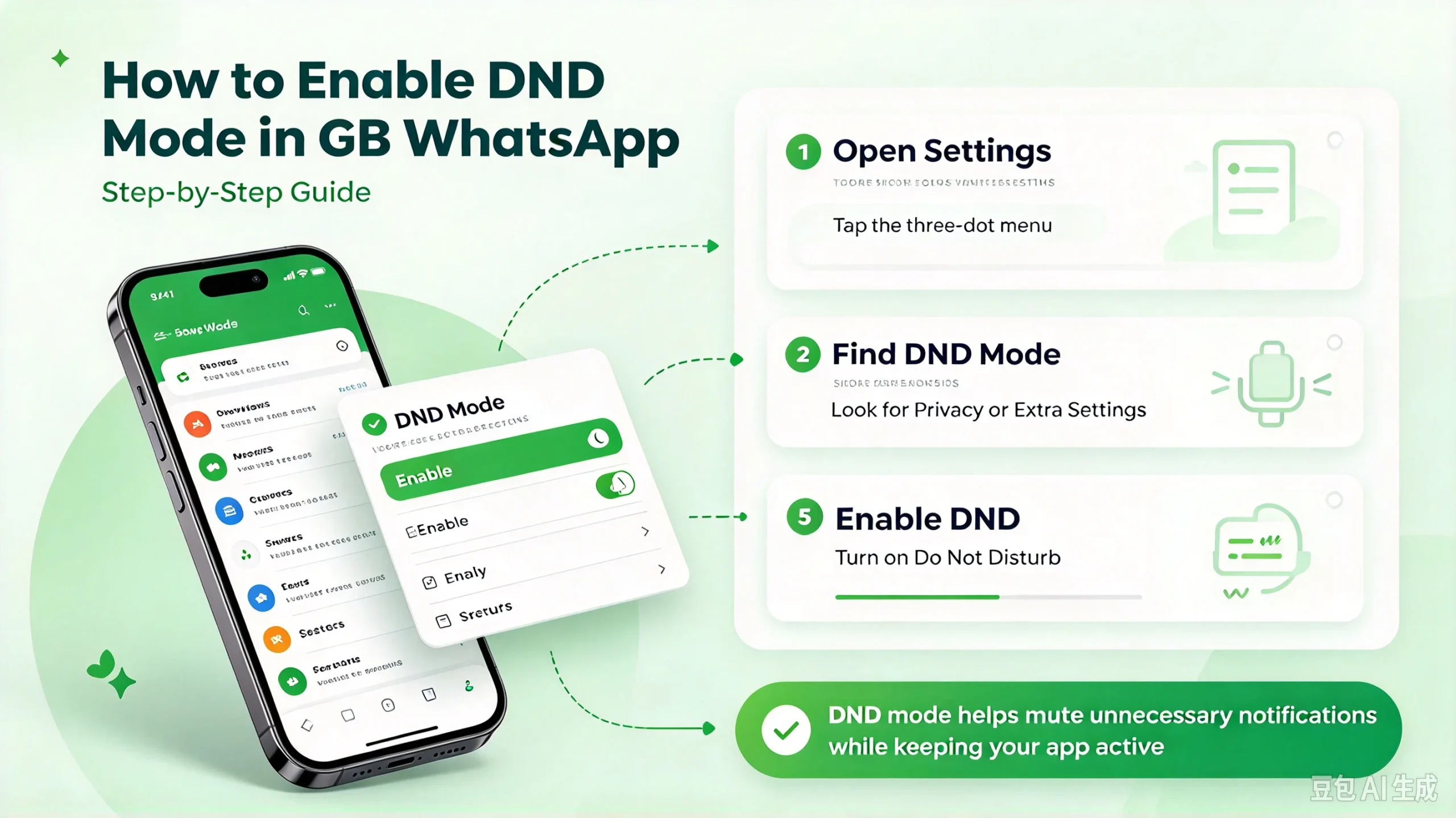
How to Turn On DND Mode in GB WhatsApp
Follow these steps to check whether DND Mode is available in your version:
- Open GB WhatsApp on your Android phone.
- Go to the main chat screen.
- Look for the DND icon, which may appear in the top toolbar or another area of the interface.
- Tap the icon to activate DND Mode.
- Check whether the feature is enabled and whether incoming messages stop appearing.
The interface can vary between releases, so the option may not be available in every version.
How to Turn Off DND Mode
When you want to receive messages again, open GB WhatsApp and tap the DND icon once more if the feature is active. Wait for the app to reconnect and check whether new messages arrive.
If the icon is missing or the app remains disconnected, check the app’s settings and your phone’s network connection.
What Happens When You Enable DND Mode?
The behavior depends on how the feature is implemented in your version of GB WhatsApp.
- Incoming messages: Messages may not arrive until the app reconnects.
- Notifications: Notifications may stop while the feature is active.
- Other apps: Apps such as browsers and YouTube can continue using the internet if only WhatsApp’s connection is restricted.
- Message delivery: Messages sent to you may be delivered after you reconnect.
DND Mode should not be confused with muting a chat or enabling Android’s system-wide Do Not Disturb setting.
DND Mode Is Not Working
If DND Mode does not work as expected, try these basic checks:
- Restart GB WhatsApp and look for the feature again.
- Check whether your installed version supports DND Mode.
- Review your phone’s notification and background-data settings.
- Disable DND Mode and reconnect to the internet.
- Avoid installing APK files from unknown sources, as modified apps can introduce security and privacy risks.
Frequently Asked Questions
Does DND Mode turn off mobile data?
Not necessarily. Depending on the implementation, it may restrict WhatsApp’s connection without disabling mobile data for the entire phone.
Can I use other apps while DND Mode is enabled?
In versions that restrict only WhatsApp’s connection, other apps can continue using the internet normally.
Will I receive messages after turning off DND Mode?
Messages may arrive once WhatsApp reconnects, depending on the sender’s connection, message status, and the app’s behavior.
Is DND Mode available in every GB WhatsApp version?
No. The feature and its location can vary between versions, and some releases may not include it.
Is GB WhatsApp an official app?
No. GB WhatsApp is an unofficial third-party modification and is not affiliated with WhatsApp or Meta. Modified apps may carry account, privacy, and security risks.